Can You Take the Hunter Safety Course on Your Phone?
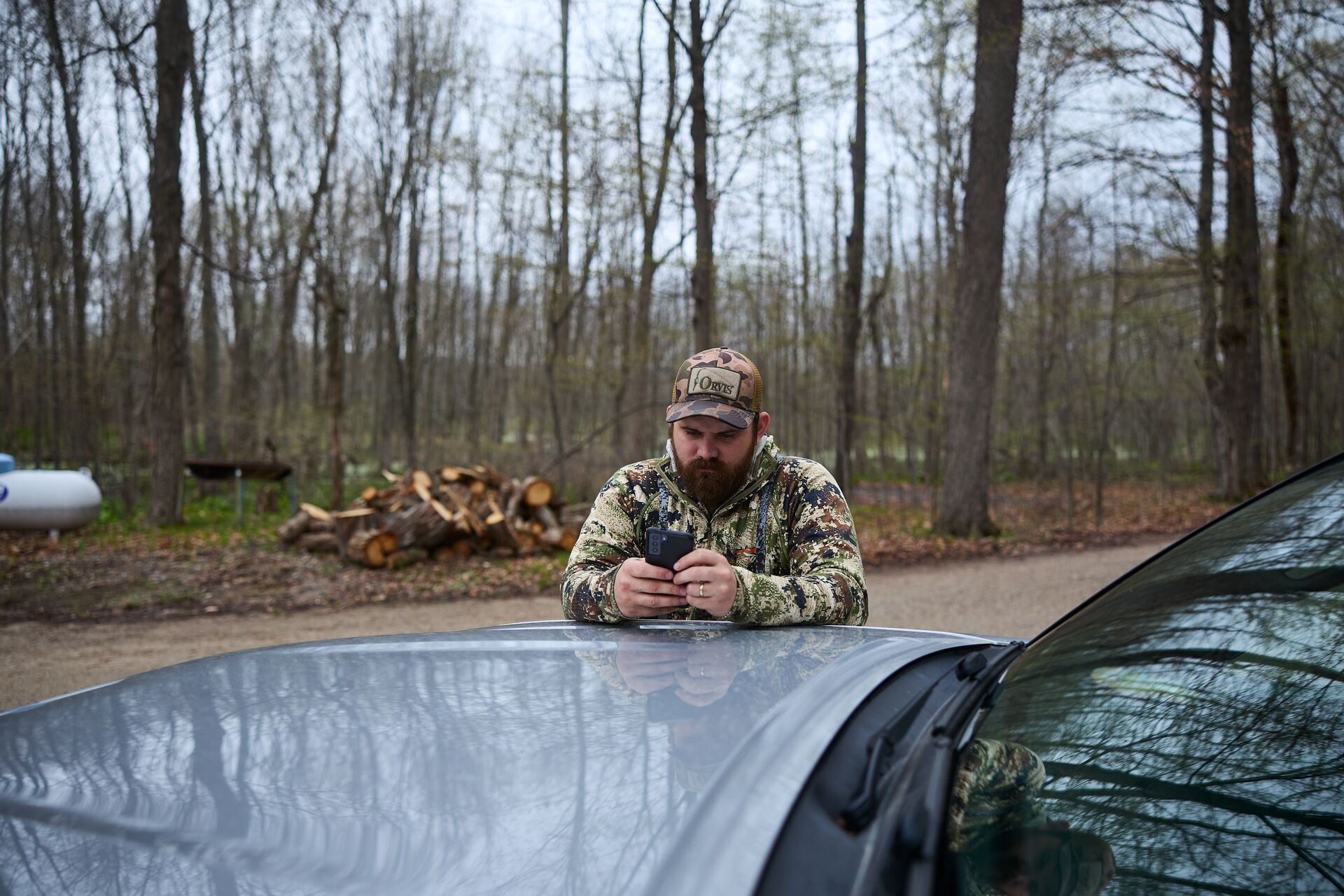
Yes! Courses like those designed by ilearntohunt are built so you can complete an online hunter safety course on your smartphone. Each course is optimized for mobile devices, allowing you to study, take quizzes, and complete the final exam without needing a desktop or laptop computer.
ilearntohunt is a legitimate resource for online hunter safety courses that utilizes short videos, interactive questions, and engaging content in a gameified but educational format.
The content is designed for viewing on smaller screens, which gives you the flexibility to use your smartphone to study during a lunch break, in the comfort of your living room, or whenever you have an uninterrupted block of time. Since your progress saves automatically, you can stop and start without losing your place, even between devices.
Completing your hunter education has never been easier and more accommodating to your schedule and learning style. With mobile technology, you can take a state-approved course using the device you carry with you every day, earn your certificate, and purchase a hunting license once you’ve met all of your state requirements.
Let’s take a closer look at the process of using your smartphone to complete your online hunter safety course.

How to Take the Online Hunter Safety Course on Your Phone
Using your phone to take the online hunter safety course is straightforward. But before you get started, confirm your state’s hunting license age requirements and whether you need to complete a field day after completing the course.
- Open ilearntohunt on your smartphone’s browser, and bookmark it or save it to your home screen for easier access.
- Use your phone’s mobile browser to go to the ilearntohunt homepage. Once there, bookmark the page or save it to your home screen for easier access throughout the course.
- Create a free account and choose your state. Creating your ilearntohunt account is free. Make sure to select your state during account setup so you can be enrolled in the correct course.
- Work through each module at your own pace. The modules feature lessons, videos, and questions that are easy to view and navigate through on a mobile device. Your progress is automatically saved so you can stop and restart at your convenience.
- Take the final exam. Although you can switch to a computer or tablet, you can take the final exam from your phone. You can retake it as many times as you need.
- Download or print your certificate so that you can buy your hunting license.
Remember, you don’t need to access the final exam from a computer. The whole process is accessible from your phone.

Does ilearntohunt Works on My Device?
You can take a course online, thanks to ilearntohunt courses working across common devices, operating systems, and browsers such as:
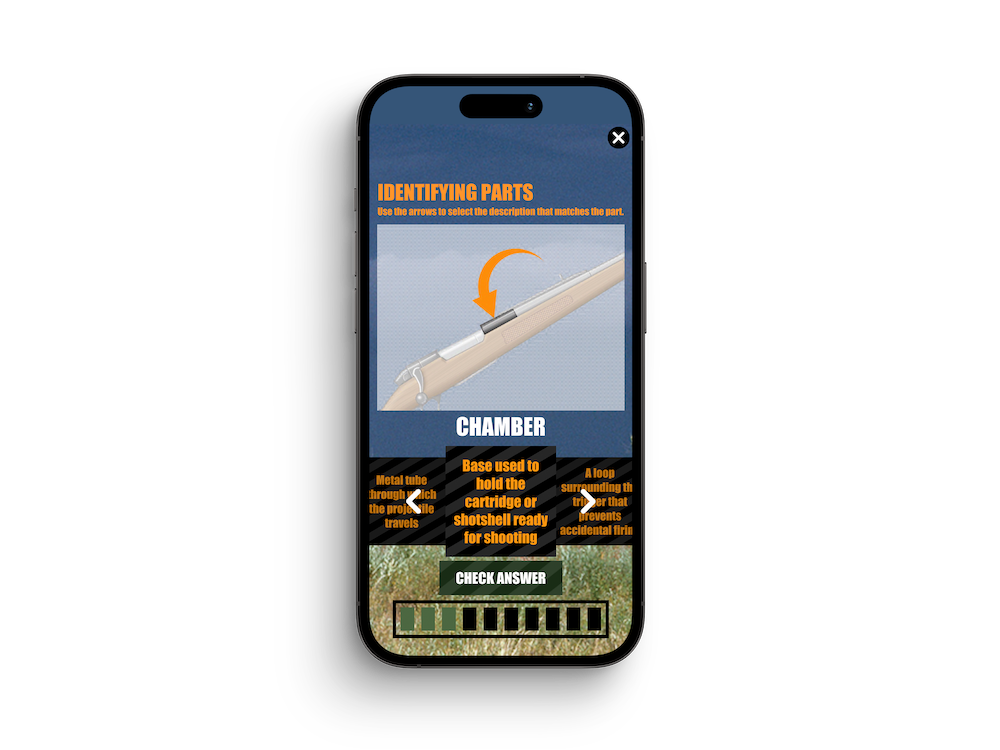
- iPhone (Safari, Chrome)
- Android (Chrome, Firefox)
- iPad and Android tablets
- Desktop and laptop computers
To keep things even easier, you don’t have to download an app. Courses are designed to work through your browser. That means you can start with your smartphone without installing any additional software.
We recommend bookmarking your course page to make it easier to access while you work through the material, but this is optional.
Mobile vs. Desktop: What's the Same, What's Different
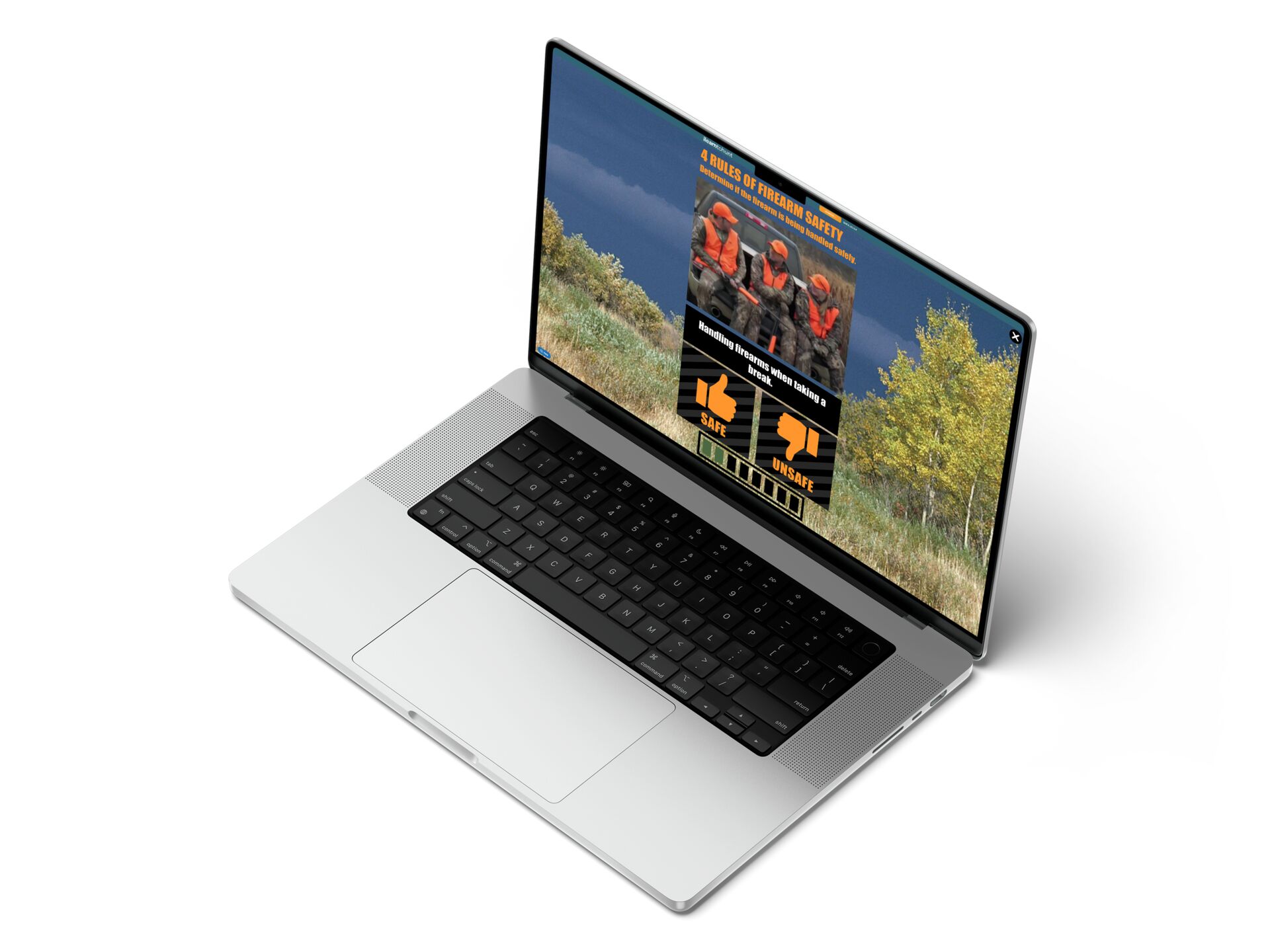
Fortunately, your course experience will be similar across devices, but the layout and controls will adapt to fit the screen and platform you’re using.
Hunter Safety Course: Mobile vs Desktop Experience | ||
Feature | Mobile | Desktop |
| Course Access | Full | Full |
| Video Quality | Optimized | Full HD |
| Quiz Format | Touch-friendly | Click |
| Progress Saved | Yes | Yes |
Video quality is optimized for smaller screens, so lessons load quickly and display properly. Videos may be shown in full HD on a desktop or laptop computer. No matter which device you use to take the online hunter safety course, the course material and certification are the same.
The biggest difference between devices is usability. Quizzes are touch-friendly on smartphones and tablets, whereas you’ll use a mouse or trackpad on a computer. The content you’re learning, progress tracking, and your certification results remain the same. Simply choose the device that works best for you.
Why Take the Course on Your Phone
Using your phone to take the course eliminates one of the common obstacles for busy students: time to sit in front of a computer.
Plus, the self-paced structure lets you work through the modules when you have a block of uninterrupted time, and using your phone means you can study anywhere you have Wi-Fi or cellular access.
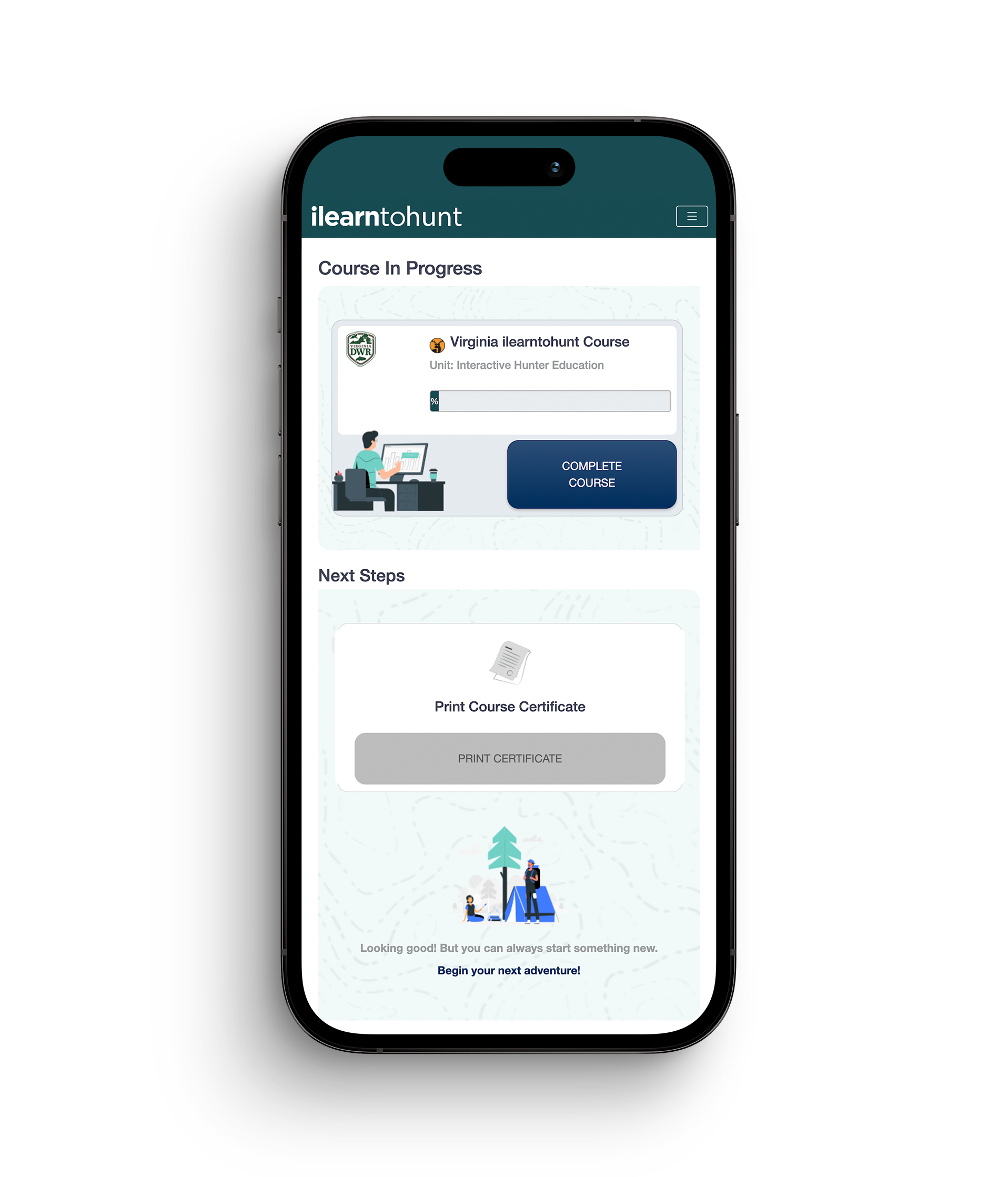
Since the material is accessed through your browser, the online course is the same across all devices. There are no shortcuts, and the modules don’t change based on device. You’re only accessing the course through a device that’s most convenient for you.
This flexibility is why internet-based hunter education has become more common in recent years. The Congressional Sportsmen’s Foundation endorses internet-based hunter education as a way to expand access to people who may not be able to attend a traditional in-person class.
Instead of waiting for an in-person session to open, many online students enroll and start the class on a Friday night and casually finish it over the weekend.

What You'll Still Need to Complete Your Certification
Earning a hunter safety or hunter education certification typically involves one of two pathways.
- The first is to complete the coursework and pass the final exam, either online or in person. That may be enough to earn the certificate in some states.
- Other states require the second pathway, which involves an in-person field day after you take the online course and pass the final exam. The field day may not be required for those taking the in-person class. So, check your state’s age and field-day requirements and don’t assume either way.
Field-day requirements are different for each state and are often dictated by the hunter’s age. Some states mandate that younger hunters participate in a field day, while adults only have to complete the online portion of the hunter safety course. Confirm these requirements, especially if you want to get a hunting license in time for your first deer season.
The field day is designed to give students the chance to practice and demonstrate critical hunting safety skills under the guidance of a qualified instructor. Topics covered include safe firearms handling, carrying methods, and ethical and legal decision-making in realistic hunting scenarios.

Get Certified From Anywhere, Starting Today
The perks of taking an online hunter safety course on your phone include flexible access and scheduling. Using your smartphone’s browser lets you study when you have free time, complete lessons at your preferred pace, and stop and start when it’s convenient.
Choose the ilearntohunt course for your state, create a free account, and check whether an in-person field day is required. Ideally, you can finish the online course in a few hours and schedule a field day shortly after. The closer we get to hunting season, the faster the field day schedule fills up, so the sooner you start the online course, the better.
Whether you’re preparing for your first deer season or helping a young hunter get off to the right start, ilearntohunt simplifies the hunter education process. Complete the required steps for your state hunting license, and set yourself up for a confident, safe, and legal hunting season.
Frequently Asked Questions (FAQs)
Q: Does the online hunter safety course work on an iPhone or Android?
A: Yes. The course works on both iPhone and Android devices through your mobile browser, so you can complete lessons, quizzes, and the final exam without needing a computer.
Q: Can I switch between my phone and computer during the course?
A: Yes. Your progress is saved automatically, so you can start on one device and continue on another without losing your place.
Q: Is the video content viewable on a small screen?
A: Yes. The course is designed for mobile devices, with videos and interactive content optimized for smaller screens while covering the same material as the desktop version.
Q: Do I need a fast internet connection to take the course on my phone?
A: Not necessarily. The course works over Wi-Fi or a cellular connection, and the videos are optimized for mobile viewing to help them load efficiently. A stable internet connection is recommended for the best experience.
Q: Can I take the field day component on my phone?
A: The online coursework can be completed on your phone, but an in-person field day, if required by your state, must be completed with a certified instructor. You can use your phone to access course information before or after the field day, but you cannot complete the field day itself online.
Q: Do I need to download an app, or does the course work through a browser?
A: No app is required. The course runs directly in your web browser, making it easy to access from your phone, tablet, or computer.
Q: Will my quiz and exam scores sync if I switch from my phone to a computer partway through?
A: Yes. Your course progress, including completed lessons and quiz results, is saved to your account, so you can continue from another device without starting over.